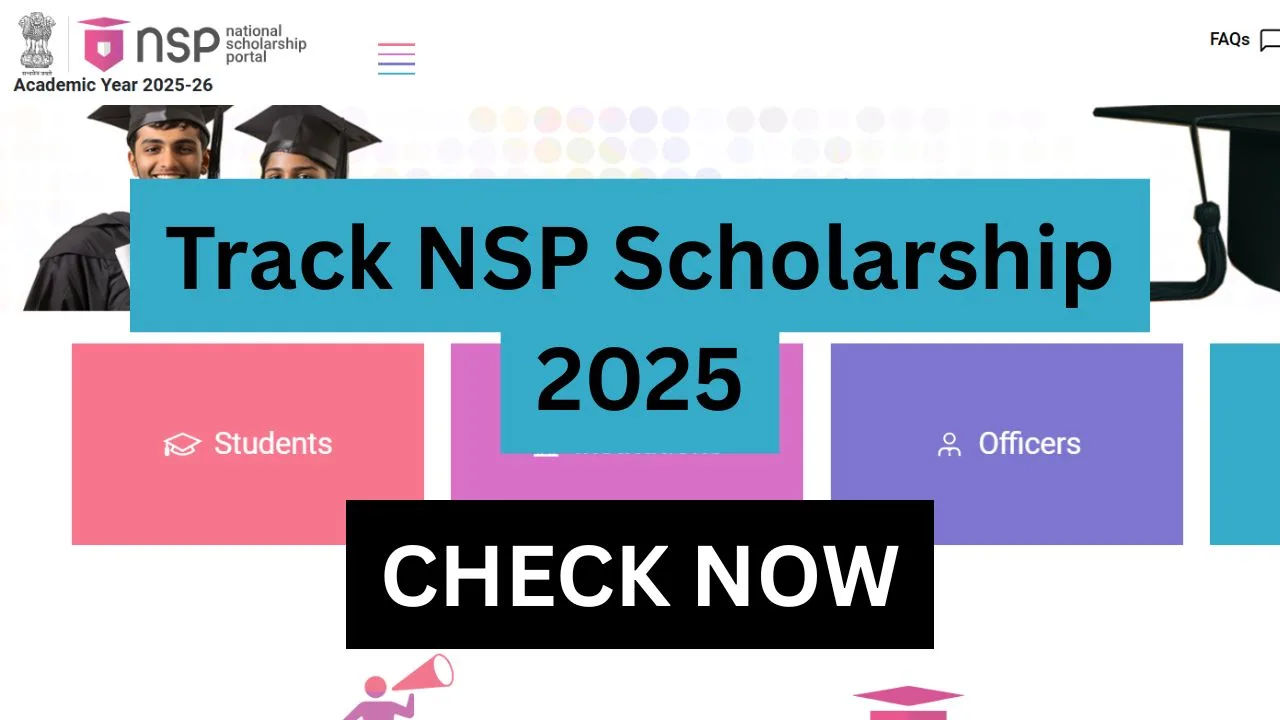
The National Scholarship Portal has made scholarship services more transparent and accessible for students across India. Every year, thousands of applicants submit their forms under different central and state schemes, and most students look for a reliable way to track the progress of their applications. If you applied for the NSP Scholarship 2025—either as a fresh candidate or a renewal applicant—then keeping an eye on your form status, verification stages, and payment release is extremely important. The government has provided multiple platforms where students can view updates in real time without depending on anyone else.
Tracking your application helps ensure that all your details have been verified at the institute, district, and state levels. It also allows you to confirm whether your scholarship amount has been forwarded to PFMS and credited to your bank account. This article explains in detail how to Track NSP Scholarship 2025 using the official NSP portal, PFMS website, and the Umang Mobile App. Each method is provided step by step to help you follow the process smoothly.
Where to Check Your NSP Scholarship Status
| Platform | What You Can Check |
|---|---|
| NSP Portal | Application status, verification stage, approval updates |
| PFMS | Payment status, transaction details, transfer confirmation |
| Umang App | Real-time mobile access to NSP status |
Checking Your Application Status on NSP Portal
To check your application status on National Scholarship Portal (NSP) applicants need to follow the given below steps:
Step1 > Open the official NSP website at scholarships.gov.in and select the academic year (2025–26) and log in using your Application ID/OTR ID, password, and Captcha code.
Step2 > Go to the “Track Application Status” or “Check Status” option and view the “Track Application Status” or “Check Status” option.
Step3 > View the updated status of your scholarship form, including the verification level it has reached.
Status Types on NSP Portal
- Submitted: Your application has been successfully submitted.
- Pending at Institute: Institute has not yet verified your form.
- Pending District Verification: District-level verification is in progress.
- Pending State Verification: State authority is reviewing your details.
- Approved: Your form has cleared all verification levels.
- Rejected: There is an issue in your application.
- Payment Sent/Payment Completed: Funds have been forwarded or credited.
Tracking NSP Payment Status on PFMS
Once your application is approved on the NSP Portal the next step is payment processing. PFMS (Public Financial Management System) handles the scholarship funds through Direct Benefit Transfer (DBT) To the track the payment on PFMS (Public Financial Management System) applicants need to follow the given below steps carefully:
Step1 > Open the official PFMS website at pfms.nic.in.
Step2 > Find the “Know Your Payment” or “Track NSP Payments” option and choose any of the details required to fetch your payment record—Application ID, Aadhaar Number, Bank Account Number, or Bank Name.
Step3 > After submitting the details PFMS will display your payment status, transaction date, and credited amount.
PFMS Payment Status Messages
| Status | Meaning |
|---|---|
| Processing | Payment is under verification |
| Success | Amount successfully credited |
| Failed | Transaction failed (bank/Aadhaar error) |
Checking NSP Status Through Umang App
To check the NSP application status through Umang App applicants need to follow the given below steps:
Step1 > Open the Umang App on your mobile phone and search for “National Scholarship Portal” using the service list.
Step2 > Tap the NSP service and access the dashboard and enter your Application ID to view your latest status and updates.
Important Dates for NSP Scholarship 2025
| Activity | Expected Timeline* |
|---|---|
| Application Start Date | August 2025 |
| Last Date to Apply | October 2025 |
| Institute Verification | October–November 2025 |
| State Verification | November–December 2025 |
| Payment Processing | December 2025 onwards |
Frequently Asked Questions (FAQs)
1. Why is my NSP application stuck at “Pending Verification”?
Institute and district verification sometimes take time due to document checks or workload. If the status does not change for long, contact your institute for updates.
2. My payment shows “Failed” on PFMS. What should I do?
This generally happens when your bank account is not updated or linked with Aadhaar. Visit your bank branch and ensure your account is active and Aadhaar-seeded.
3. How long does it take for NSP payment to reflect on PFMS?
After NSP approves your application and forwards the payment, PFMS may take 24–48 hours to display the updated transaction status.
Important Links
| Description | Link |
|---|---|
| Official NSP Portal | Click Here |
| Track NSP Application Status | Click Here |
| PFMS – Track NSP Payments | Click Here |
| NSP Services on Umang App | Click Here |